Smart Motion Sensor Bulb Holder for Automatic Hands Free Lighting
Smart Motion Sensor Bulb Holder for Automatic Hands Free Lighting
Couldn't load pickup availability
Smart Motion Sensor Bulb Holder for Automatic Lighting
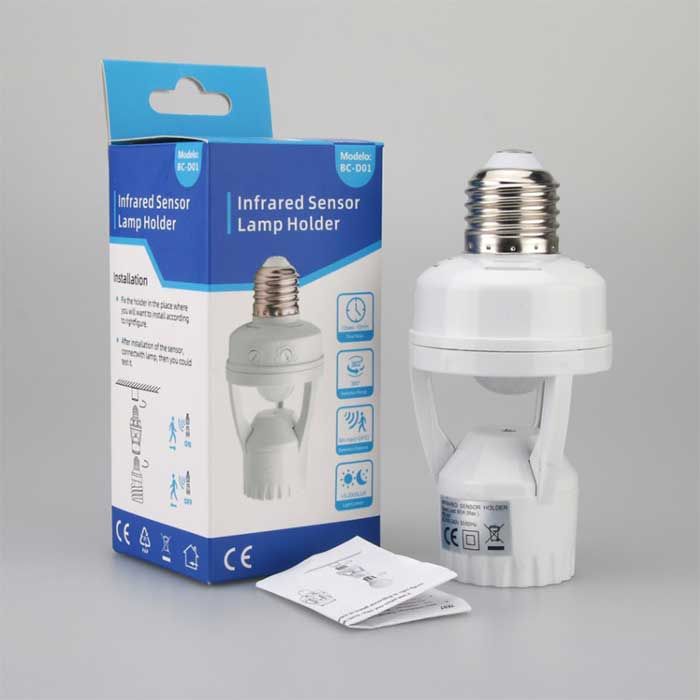
Make your home lighting smarter with this Motion Sensor Bulb Holder. Designed to automatically activate connected lighting when movement is detected, it provides convenient hands free illumination for indoor spaces.
Simply install the holder and enjoy automatic lighting without needing to operate a switch every time you enter a room.
✨ Key Features
💡 Automatic Motion Detection
Automatically activates the connected light when movement is detected.
🚶 Hands Free Lighting
Enjoy convenient illumination when entering dark areas without manually switching on the light.
⚡ Energy Saving Convenience
Helps reduce unnecessary lighting by activating the connected light when movement is detected.
🛠️ Easy Installation
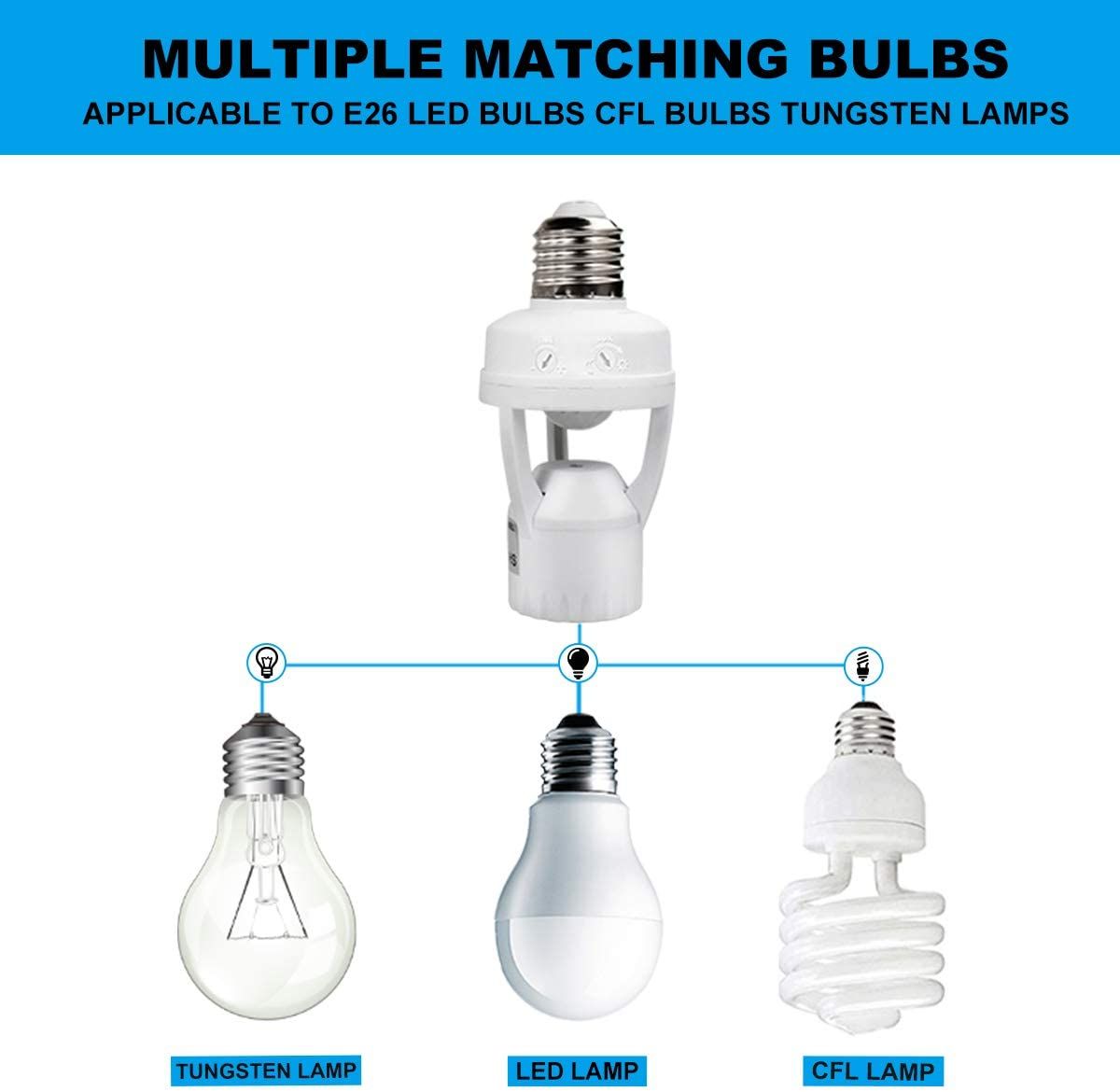
Designed for simple installation by screwing the holder into a compatible light socket without complicated setup.
🏠 Ideal for Indoor Spaces
Suitable for areas such as hallways entrances stairways storage rooms and other indoor spaces.
🛡️ Improved Home Convenience
Provides automatic illumination to help make dark areas easier and safer to navigate.
🏡 Perfect for Everyday Home Use
Use the motion sensor bulb holder in areas where automatic lighting can make everyday movement more convenient. It is particularly useful for hallways entrances and spaces where you frequently need hands free lighting.
📌 How to Install
- Switch off the electrical power before installation.
- Check that the holder is compatible with your existing bulb socket.
- Screw the motion sensor holder into the compatible socket.
- Install a compatible light bulb.
- Restore power and test the motion detection function.
💡 Make Your Lighting Smarter
Upgrade your indoor lighting with this automatic motion sensor bulb holder and enjoy convenient illumination whenever movement is detected.
Always check electrical compatibility and installation instructions before use.
Share